Quadlo
A downloadable tool for Windows
Draw in 2D. Build in 3D.
Quadlo is a fast, approachable low-poly modelling app that turns simple drawings into clean, lightweight 3D models.
Start with a sketch, shape it into 3D, refine the geometry, paint it, and export it. There is no complicated sculpting workflow, no maze of menus, and no need to learn a professional 3D package before you can make something interesting.
Quadlo is built for indie game developers, stylised artists, low-poly and voxel creators, beginners learning 3D, and anyone who wants to create models without feeling overwhelmed.
Start with a drawing
Draw the shape you want in 2D, whether it is a character, creature, weapon, prop, building, or something completely original.
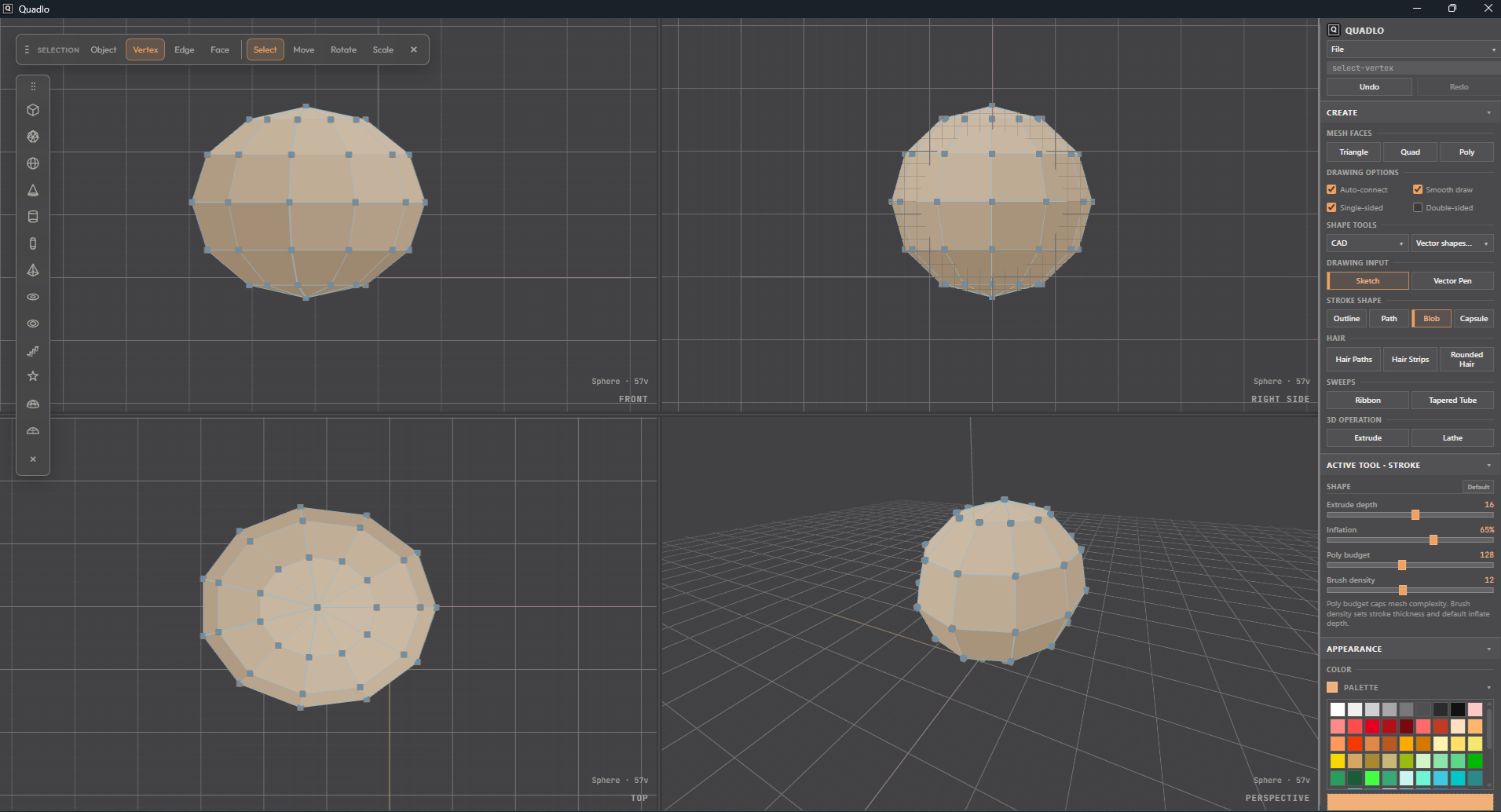
Quadlo turns your silhouette into a faceted 3D mesh while keeping the geometry clean and intentionally low-poly.
Different drawing tools give you different ways to build:
- Use outlines for heads, bodies, creatures, and organic shapes.
- Use paths and tubes for limbs, tails, cables, branches, and curved forms.
- Use the blob tool for softer, rounded shapes.
- Use extrusion to give flat designs depth.
- Use the lathe tool to create bottles, wheels, pillars, cups, and other rotational forms.
Adjust the polygon budget and drawing density to control how smooth, angular, or stylised the final model becomes.
Edit the model without fighting it
Quadlo gives you direct control over objects, vertices, edges, and faces.
Face selection works with complete flat regions instead of forcing you to select dozens of tiny triangles. This makes editing feel closer to Blockbench and traditional low-poly modelling tools.
Move, rotate, and scale selections with predictable transform gizmos. Turn on X-Ray mode to see through the model and select hidden geometry more easily. When you lose track of your model, Reset and Fit quickly bring it back into view.
The tools stay out of the way so you can focus on shaping the model.
Draw precise shapes with vector tools
When freehand drawing is not precise enough, Quadlo includes a vector pen with editable Bézier curves.
Click to place points, drag to create curves, and adjust anchors and handles until the shape looks right. Close the path to create a solid form, or leave it open to create a tube.
You can also add ready-made vector shapes such as:
- Circles
- Rectangles
- Polygons
- Stars
- Custom curved paths
Closed paths can become 3D volumes, while open paths can become pipes, wires, horns, tails, branches, and other line-based forms.
Extrude mode is especially useful for creating hard-surface objects such as weapons, signs, icons, architecture, mechanical parts, and game props.
Build quickly with primitives
Quadlo includes familiar 3D primitives for blocking out ideas quickly, including boxes, spheres, cylinders, cones, and other useful starting shapes.
Combine primitives with drawing tools to create more complex models without beginning from an empty scene.
When you are ready to refine the result, use tools such as:
- Poly Draw
- Knife
- Loop Cut
- Bend
- Extrude
- Standard move, rotate, and scale controls
Use only the tools you need. Ignore the rest until you need them.
Paint directly inside the app
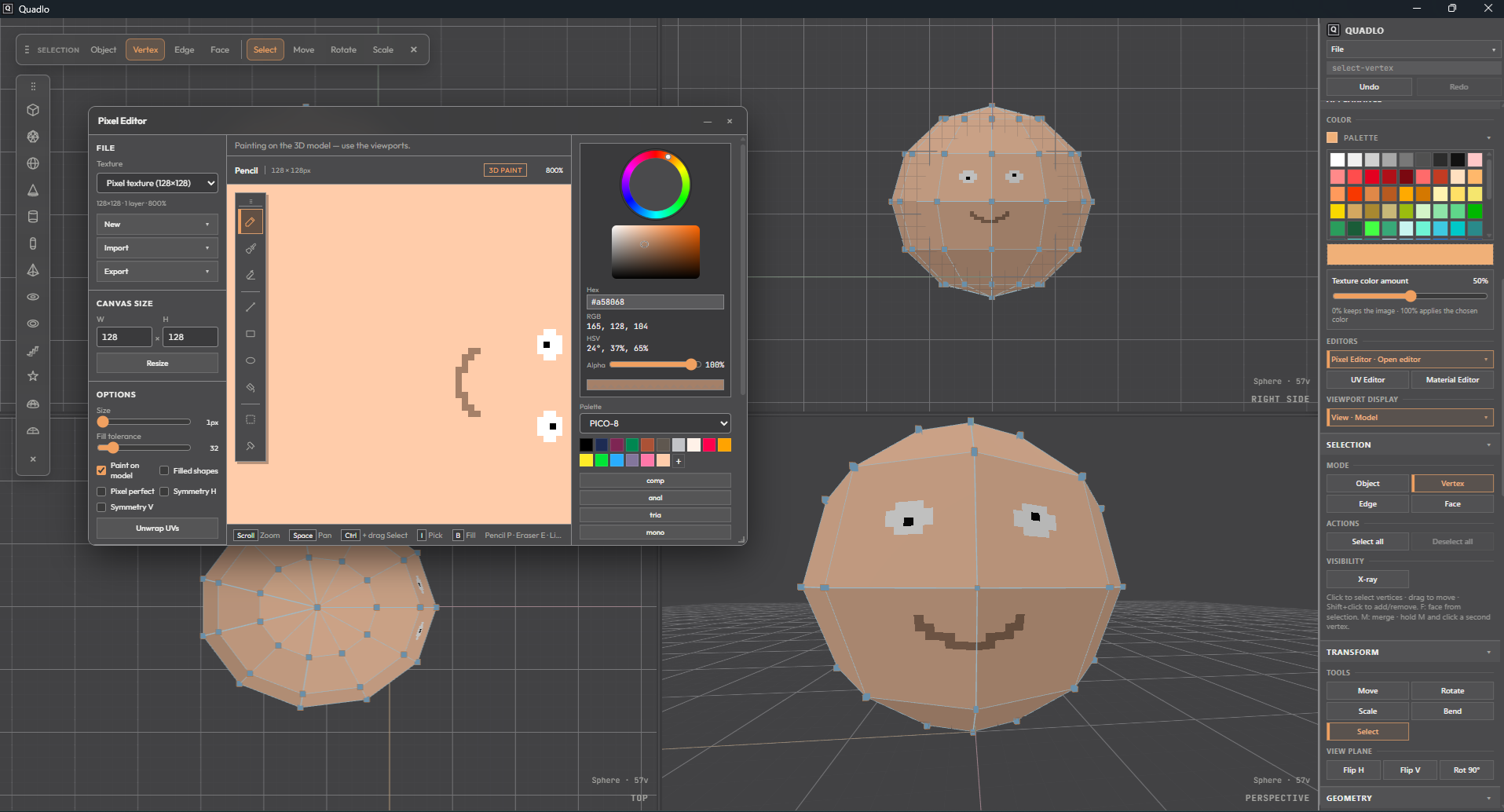
Quadlo includes a built-in pixel editor for painting textures without switching to another program.
It is designed for retro games, voxel-inspired artwork, stylised characters, hand-painted props, and intentionally low-resolution textures.
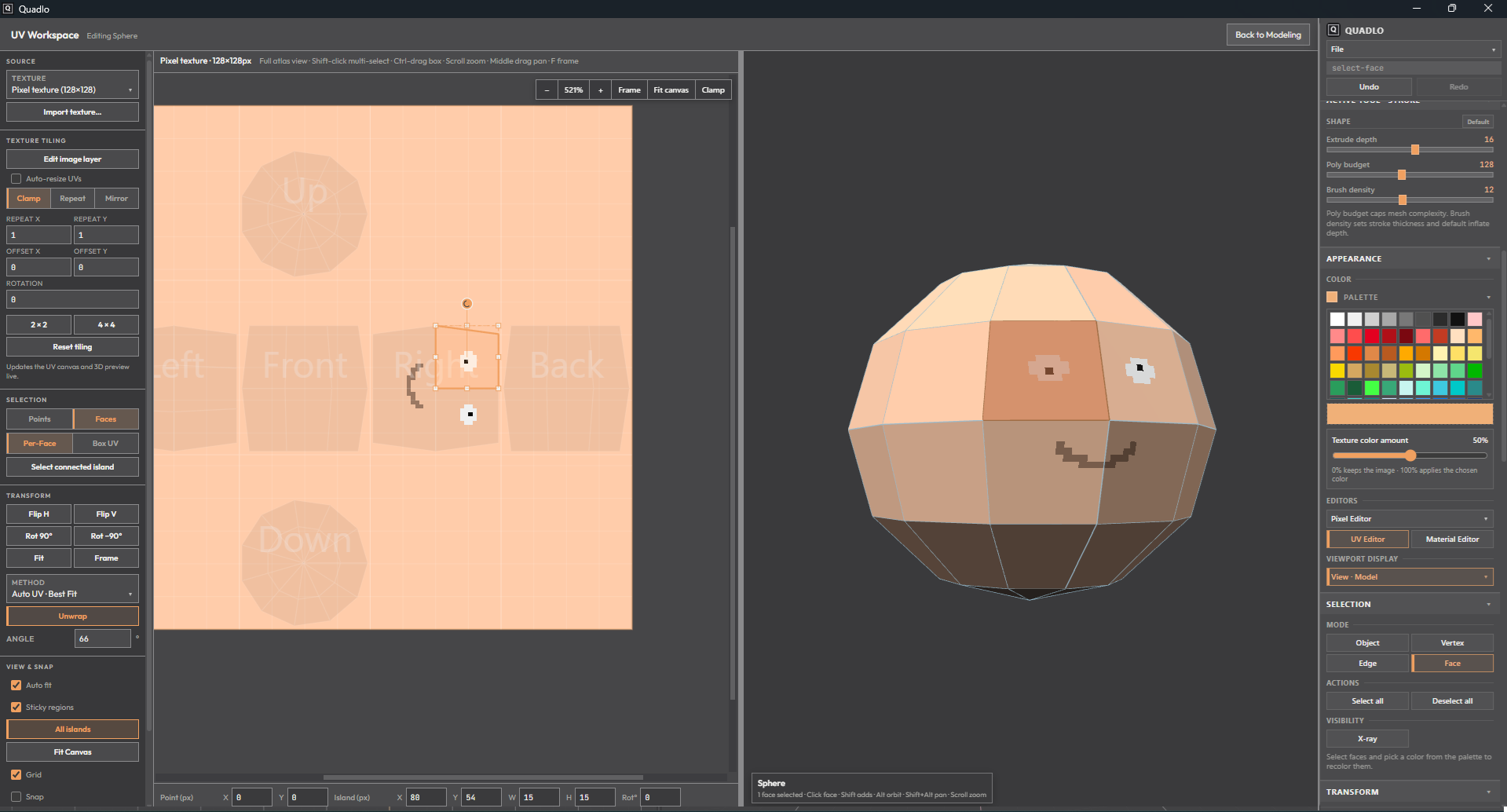
The UV editor lets you arrange how the texture wraps around the model, while the material editor controls colours and surface settings.
The interface also supports themes, allowing you to adjust the workspace to match the way you like to work.
Create stylised hair
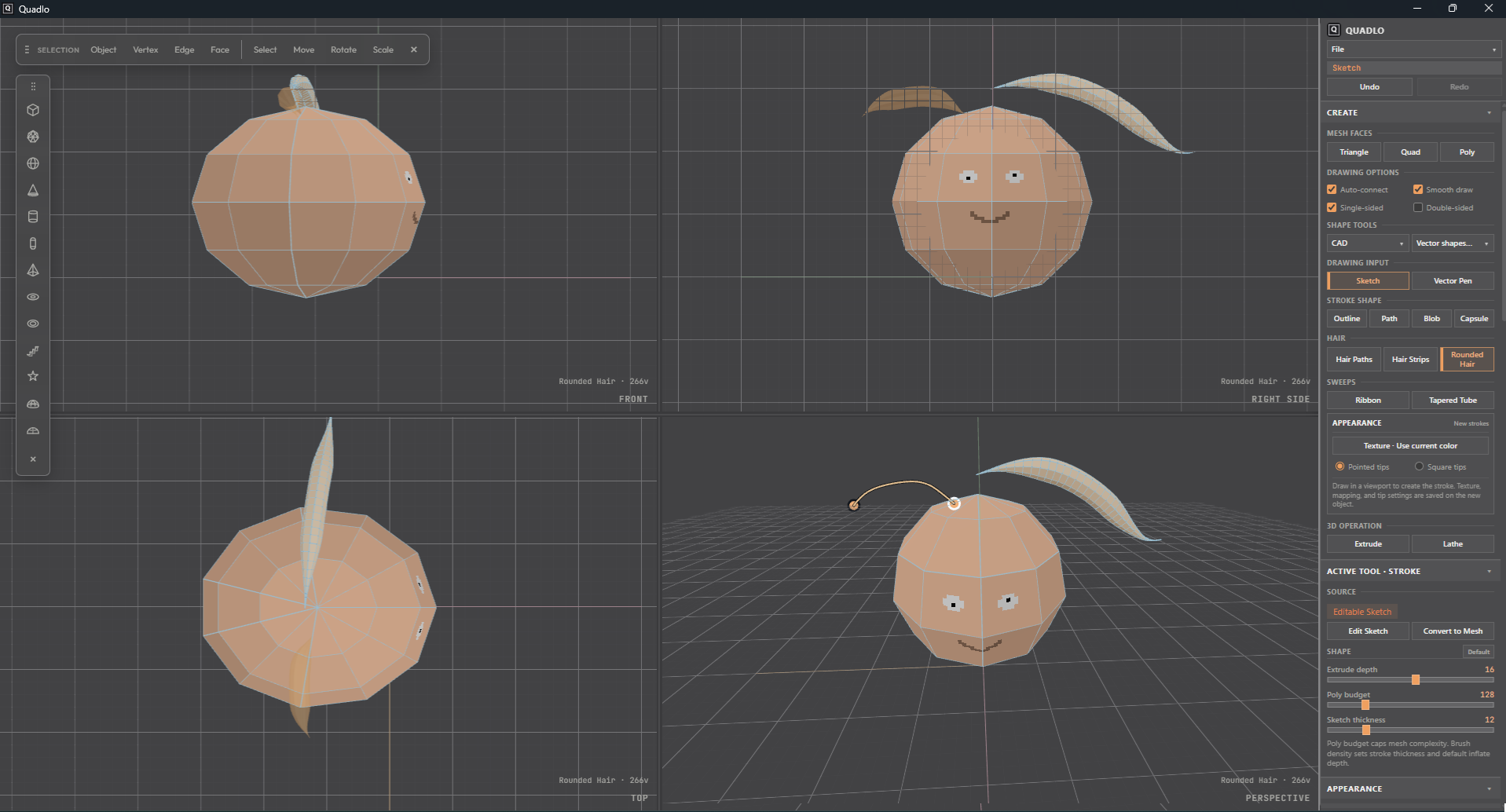
Quadlo includes dedicated tools for creating low-poly and stylised hair.
Build hair from paths, flat strips, or rounded strands. Adjust the width, shape, texture, and tips to create hairstyles that fit characters without relying on complicated particle systems or simulation.
The same tools can also be used for fur clumps, feathers, grass, ribbons, tentacles, and other flowing forms.
Work with reference images
Drag an image into the scene and use it as an editable 3D plane.
Move it, scale it, adjust its UVs, or paint over it directly. Reference images can help with tracing silhouettes, matching proportions, creating signs, building sprite-based elements, or adding image details to a scene.
Export to the tools you already use
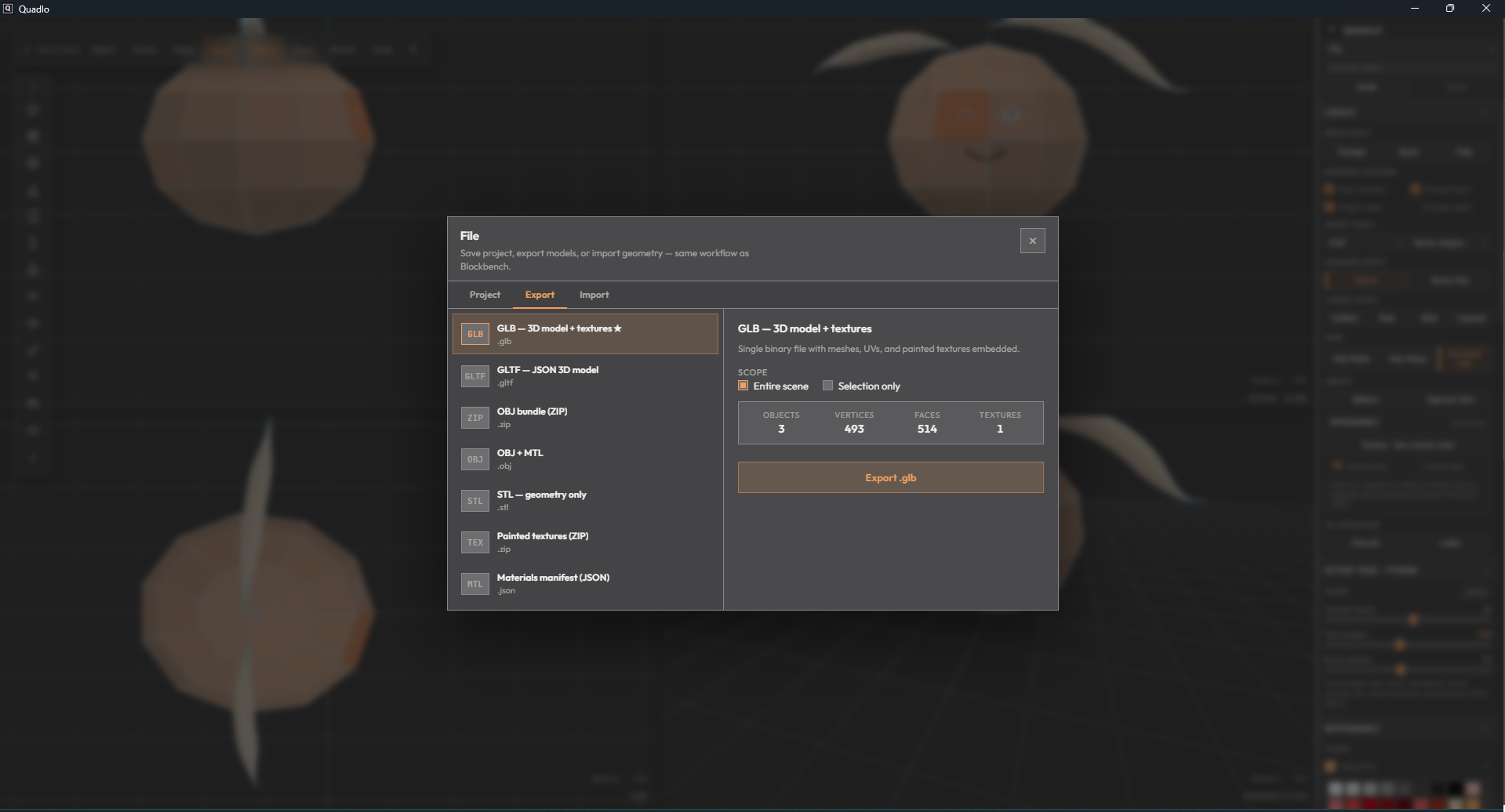
Export your finished models as:
- OBJ
- STL
- GLB
- GLTF
Use them in Unity, Unreal Engine, Godot, Blender, WebGL projects, 3D printing software, or any other application that supports standard 3D formats.
Quadlo handles practical export details such as sensible model scale and correctly oriented texture UVs, helping your models arrive in other software the way you expect.
Simple by design
Quadlo is built around a straightforward workflow:
Draw. Shape. Edit. Paint. Export.
The goal is not to replace every advanced 3D application. The goal is to make low-poly modelling faster, easier, and more enjoyable.
Clean topology. Flat shading. Lightweight geometry. No unnecessary complexity.
Just a direct way to turn an idea into a finished 3D model.
Download
Click download now to get access to the following files:
Development log
- Releasing Quadlo into the world!7 days ago
Leave a comment
Log in with itch.io to leave a comment.